


- Client
- Ribbon Health
- Services
- UI/UX Design
- Design System
- Frontend Development
- Data Transformation
- Integrations
- Industry
- Healthcare, SaaS, Design
- Stage
- Series B
Defining Ribbon Health’s core search experience and designing their unified provider data API
We helped Ribbon Health improve their main platform and designed a new platform to unify their data provider sources.
Our impact
Designed and built a top-notch search experience for finding care providers on Ribbon’s data platform
Leveraged design systems and components to enable Ribbon’s internal development team as they support clients going forward
Wireframed and designed a self-service platform for users to unify Ribbon’s provider data
Ribbon Health's data platform provides critical healthcare infrastructure.
Overview
Ribbon Health is a healthcare data platform that health insurers, medical providers, and digital health solutions need to enable accurate provider directories, reliable referral management, and efficient care navigation.
They offer a seamless API layer that integrates into each healthcare organization's existing workflow to build connectivity across the industry and continuously improve the accuracy of its data.
The Vision
The Ribbon team had two core challenges to solve:
• A search experience that allows users of their data platform to find the right care for patients
• A single self-serve platform (frontend, API, and database) where users can unify all of the data provider sources Ribbon relies on
Why Lazer?
Lazer was brought in to design and develop the search and filtering experience and to design the unified self-service platform. We were able to work efficiently to solve both challenges and deliver on two urgent projects. We had past experience with healthcare projects and would thoroughly consider all edge cases and core user experiences.
approach
Devising the core search experience users wanted
Diving deeper with the product team and Ribbon’s core users, we designed the search experience based on certain criteria that they wanted to input.
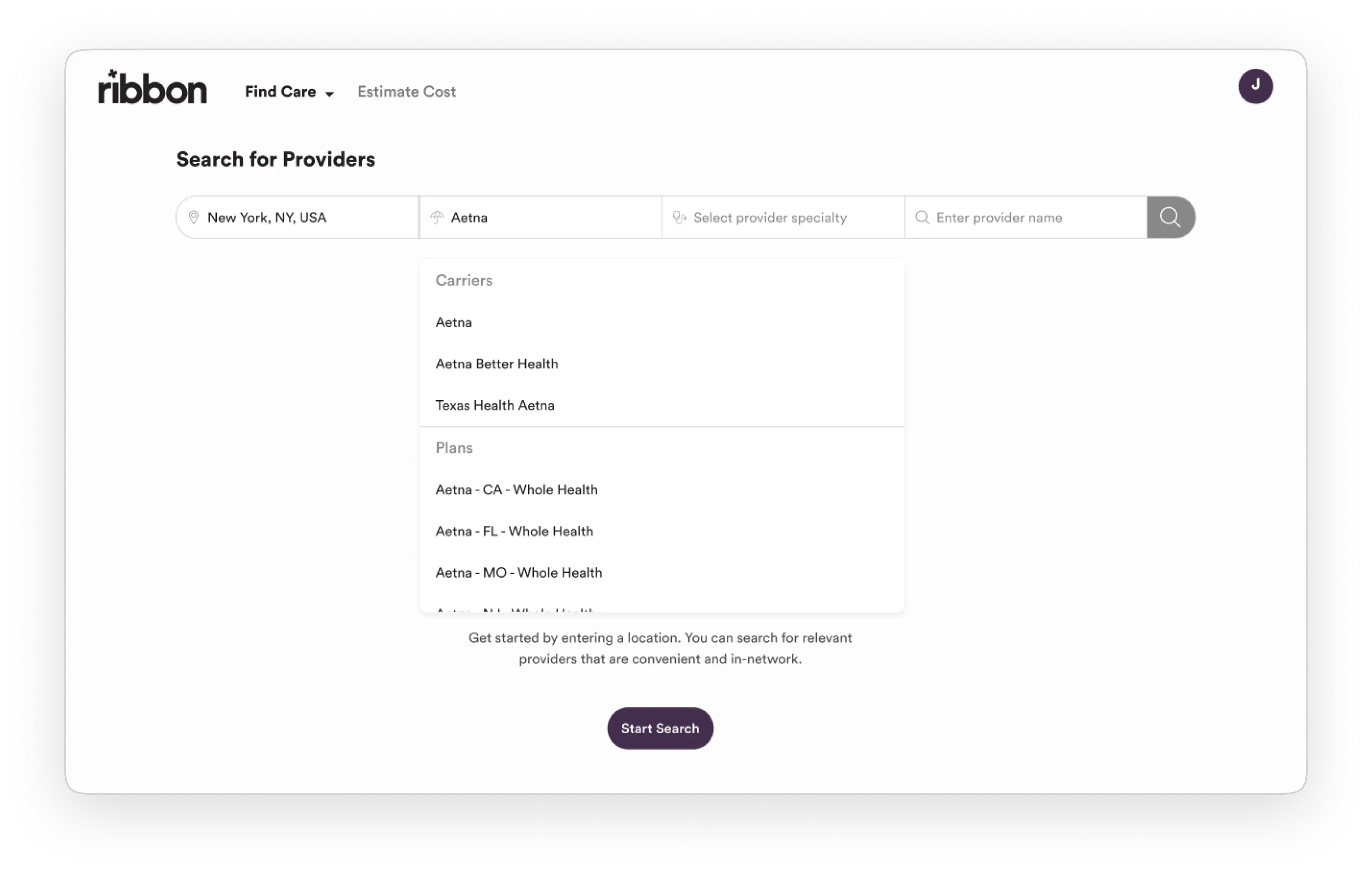
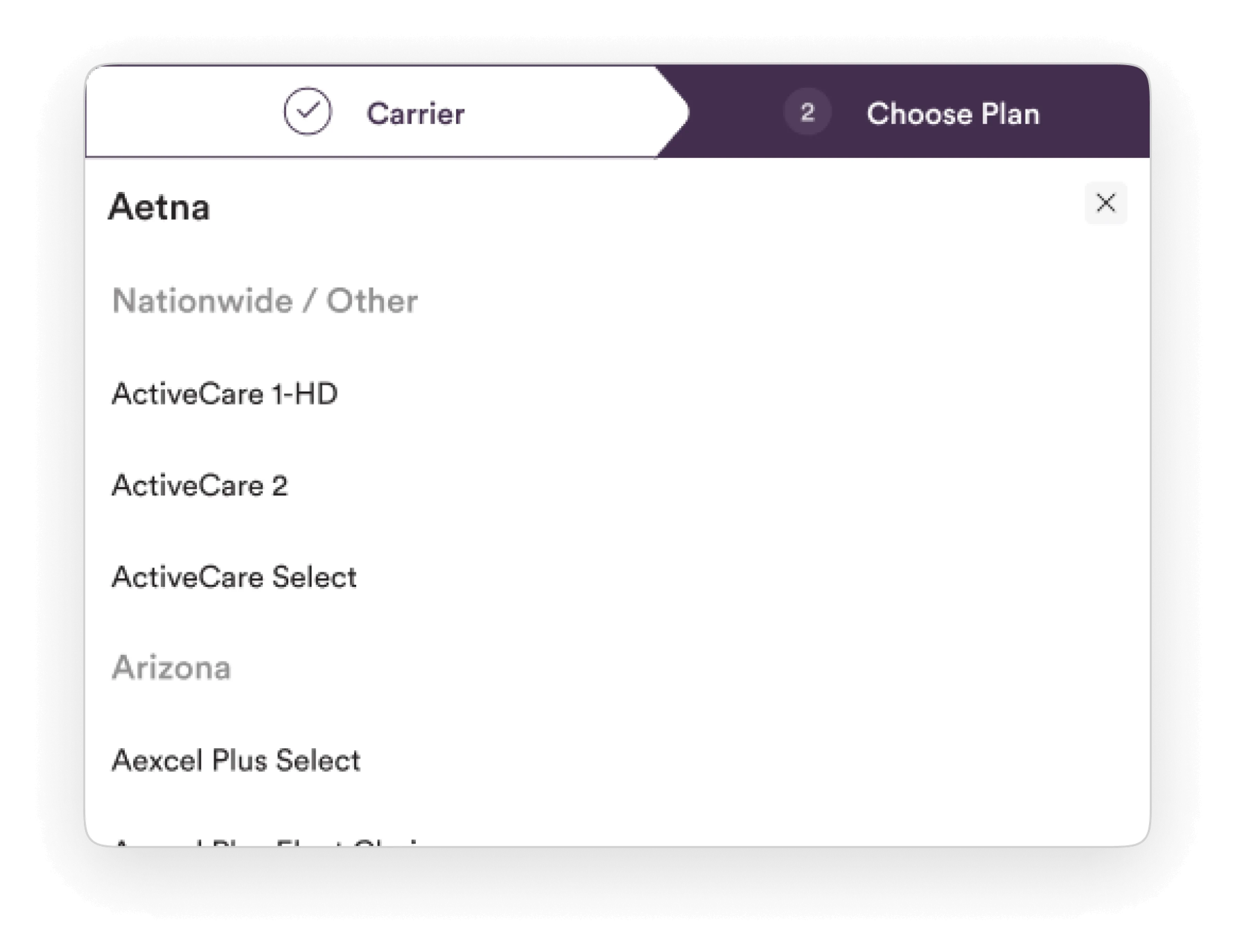
In addition to the standard experience of searching by name of a specialist, users wanted to search by relevant insurance plans, locations, ratings, distance from them, languages, and more. To keep search results from becoming overwhelming, we also needed to create a filtering experience that would let them narrow the results further.
approach
Understanding dynamic features — every client is unique
When making a provider referral, each Ribbon client has a different set of criteria and business needs for searching.
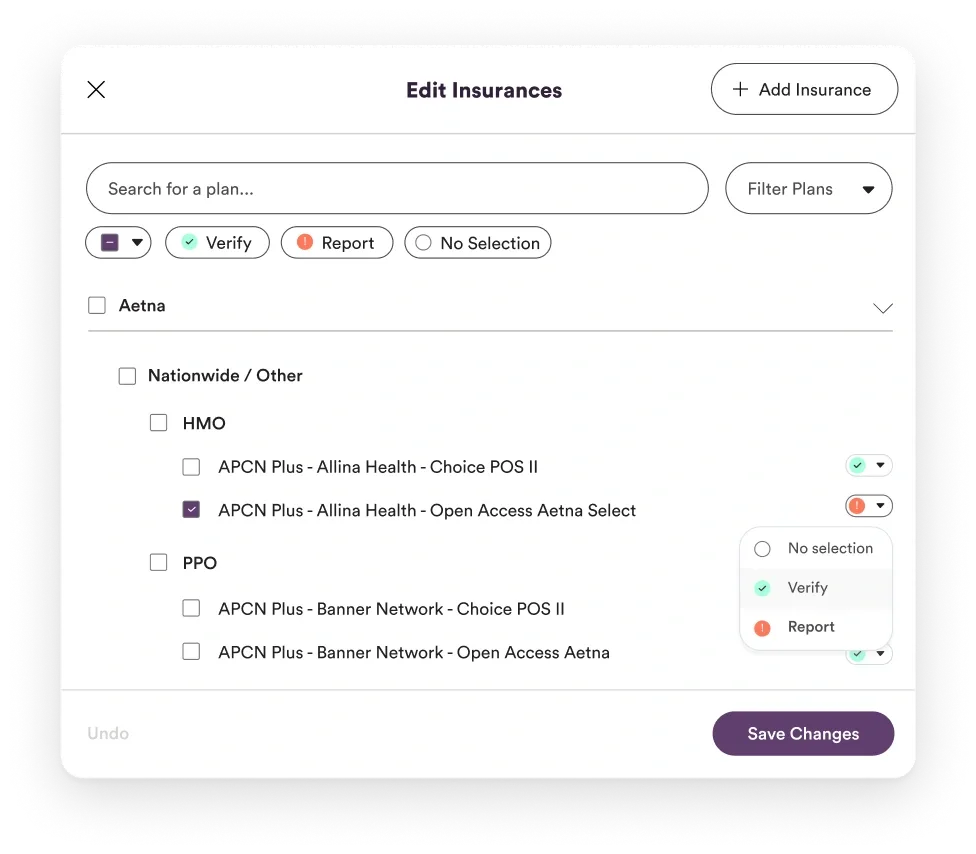
For example, some companies have preferred search/filter fields that they'd want to highlight in addition to Ribbon's existing fields. Diving deeper, we learned that Ribbon's API allowed clients to add custom fields and filters that suit their needs. We wanted to ensure Ribbon clients could use these criteria on the frontend as well, without needing extra development effort.
approach
Leveraging design systems and components
To enable these dynamic features, we created a design and component system across the platform.
For filtering specifically, we defined different input patterns according to the filter type. Each filter type had a logic rule (single-select, Boolean, etc.) and a user interface (UI) pattern that went hand in hand.
When adding a new custom filter, clients can specify the type of filter and options they'd need — and voilà! A working filter with no extra dev work.
approach
States, states, states
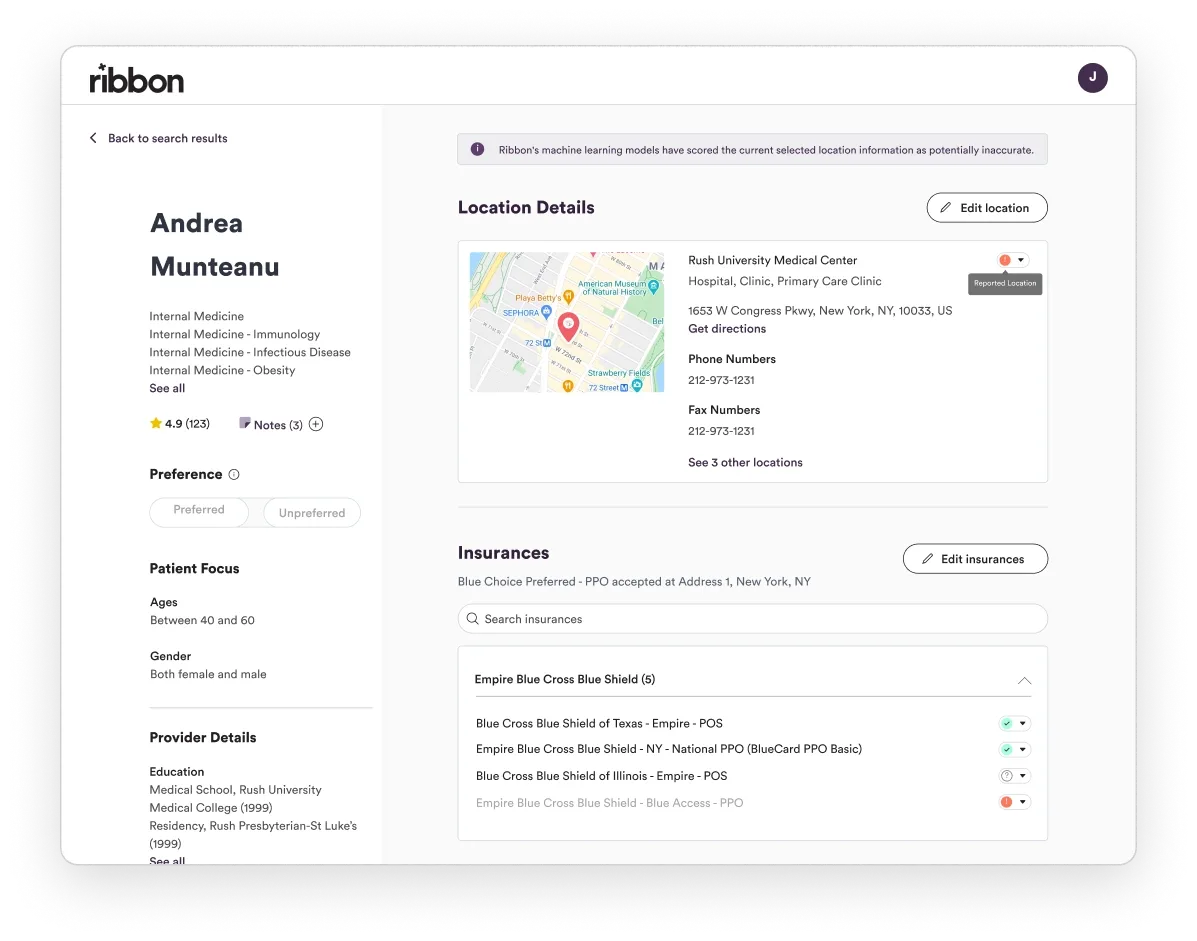
This wasn't the only place we leveraged components to speed up development. When showcasing each provider and facility, we built out components for each state that account for the availability of data.
It's not enough to just design the “happy path” flow or pass off screens to a developer.
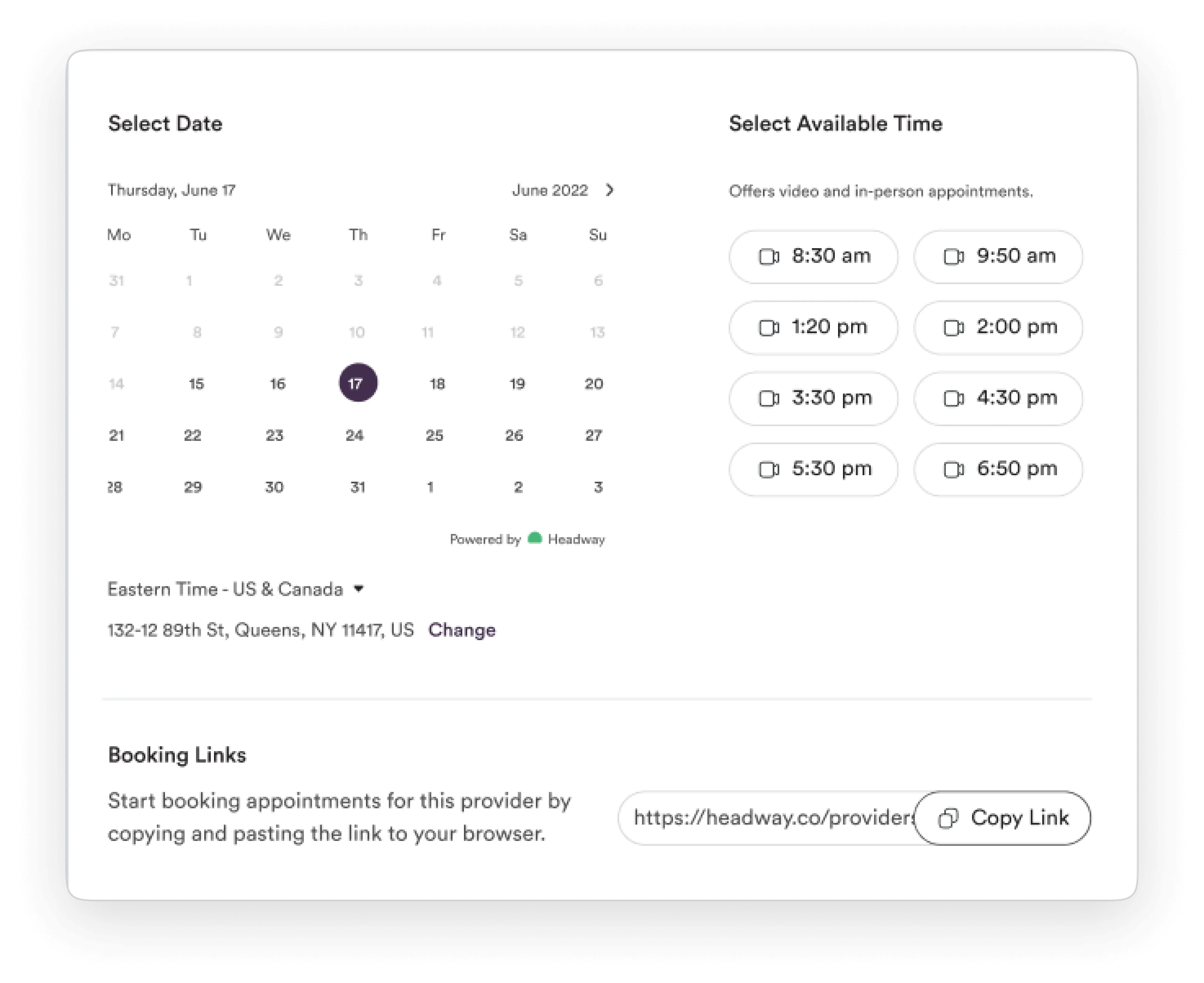
We leveraged component guides to communicate the states of the UI, in order to help the development team understand what the building blocks of the user experience were and to make it easier for them.
approach
Leveraging React for a performant, scalable frontend
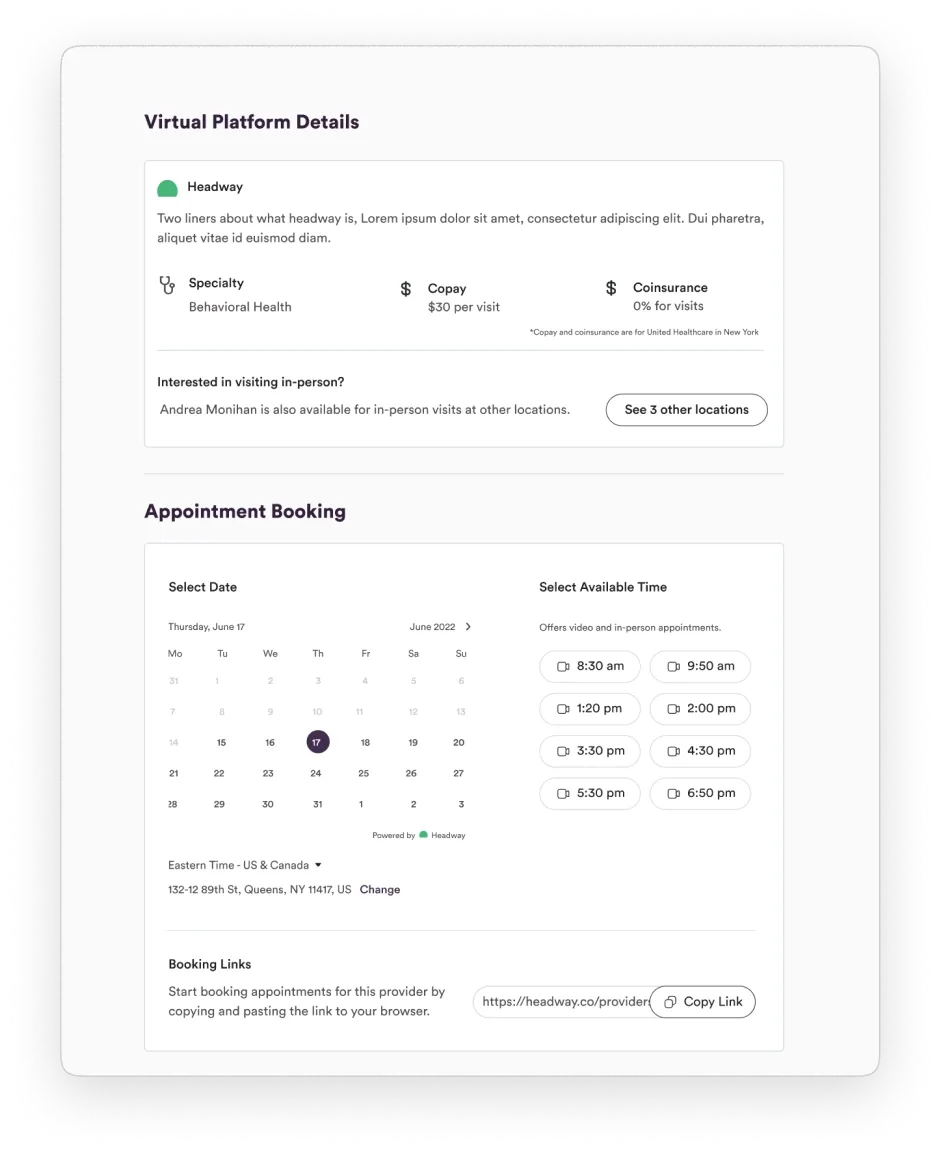
Once designs were properly in place, we leveraged React to develop the appropriate components that could be reused across the frontend. It led to a highly performant user experience and ensured that the Ribbon team could carry on with development efforts once our work was complete.
approach
Designing a data provider platform
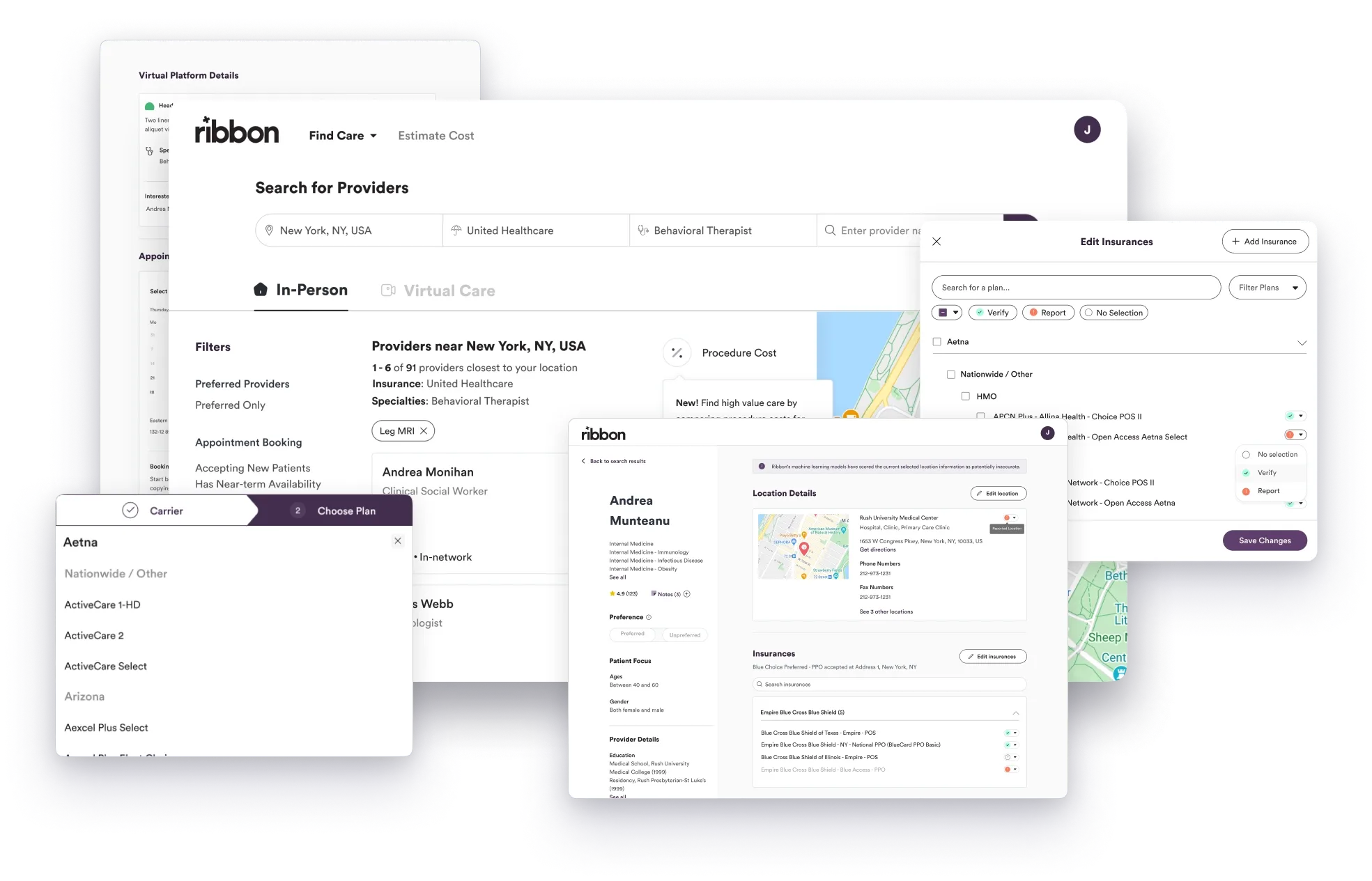
To solve for Ribbon’s other core challenge, we wireframed and designed a self-service platform that would allow users to unify all of Ribbon’s provider data into a single platform.
Think of it as an ETL flow for all their existing data sources, creating a unified database that can be used as an API back towards their own platforms. The new tool would also allow users to enrich their data through Ribbon’s proprietary dataset.
Conclusion
Critical healthcare infrastructure
Working with the Ribbon team was a true pleasure. The challenges they solve are complex, but they play a crucial role in critical healthcare infrastructure needs.
We’ve continued to support them on designing and developing internal data tools that they are planning to bring to their client-facing platforms.