 meliopayments.com (opens in a new tab)



- Client
- Melio
- Services
- Frontend Development
- Custom Shopify Apps & Integrations
- Industry
- B2B, Commerce, Fintech
- Stage
- Series D
Building the Shopify Bill Pay experience with Melio
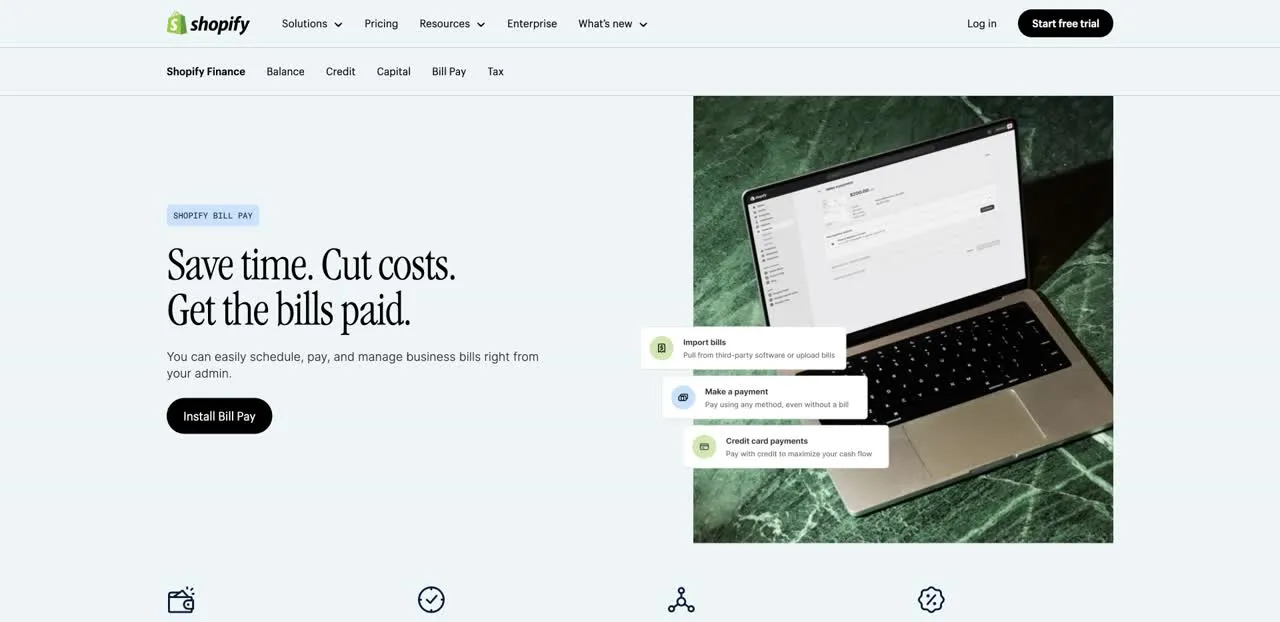
We partnered with Melio to build Shopify Bill Pay, a custom Shopify application that allows merchants to manage vendors and issue payments.
Our impact
Built the frontend of the app, powered by Melio and later integrated into Shopify’s admin dashboard as a native application
Helped expand Shopify’s fintech offerings by adding vendor management and direct payments
Bill Pay saves merchants 16 hours a month on paying business bills and is 2x faster than other B2B expense solutions
Melio is a leading B2B payments platform for small businesses.
Overview
With a $4-billion valuation, Melio allows businesses to manage their payments to all their vendors in one place, no matter the payment method. It also simplifies the payment process so businesses can save time and increase cash flow.
The Vision
Melio and Shopify wanted to create an app that would save Shopify merchants time on expense management, which they could then invest back into growing their business. Shopify had already made moves into fintech (like payments powered by Stripe, Shopify Capital, and Shopify Balance) and their merchants were interested in money movement features.
Why Lazer?
Bill Pay would be powered by Melio and native to Shopify. Melio enlisted Lazer’s help to develop the frontend because we are experts at building custom apps and working quickly in the Shopify ecosystem.

approach
Manage vendor bills in one place
Dealing with invoicing can be tedious and a time suck for any merchant.
This only gets worse as their business grows and vendor payment methods scale to include inventory, shipping, marketing, rent, and more.
We built a custom Polaris app that interfaced with Melio’s backend API to show the user a table of their vendor transactions and let them easily issue payments to vendors worldwide, which became Shopify Bill Pay, a fully integrated app in the Shopify admin dashboard.
approach
Preferred payment methods for both parties
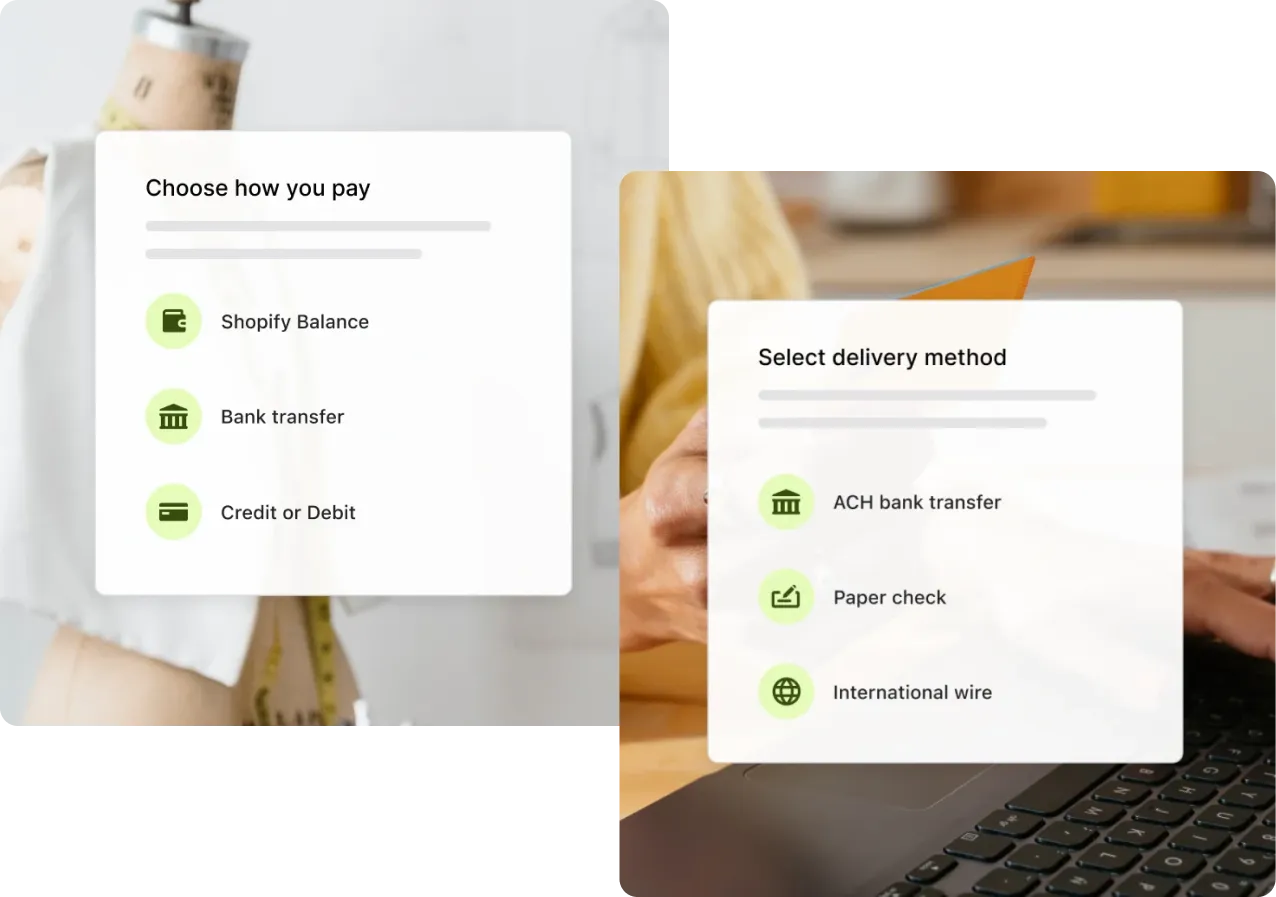
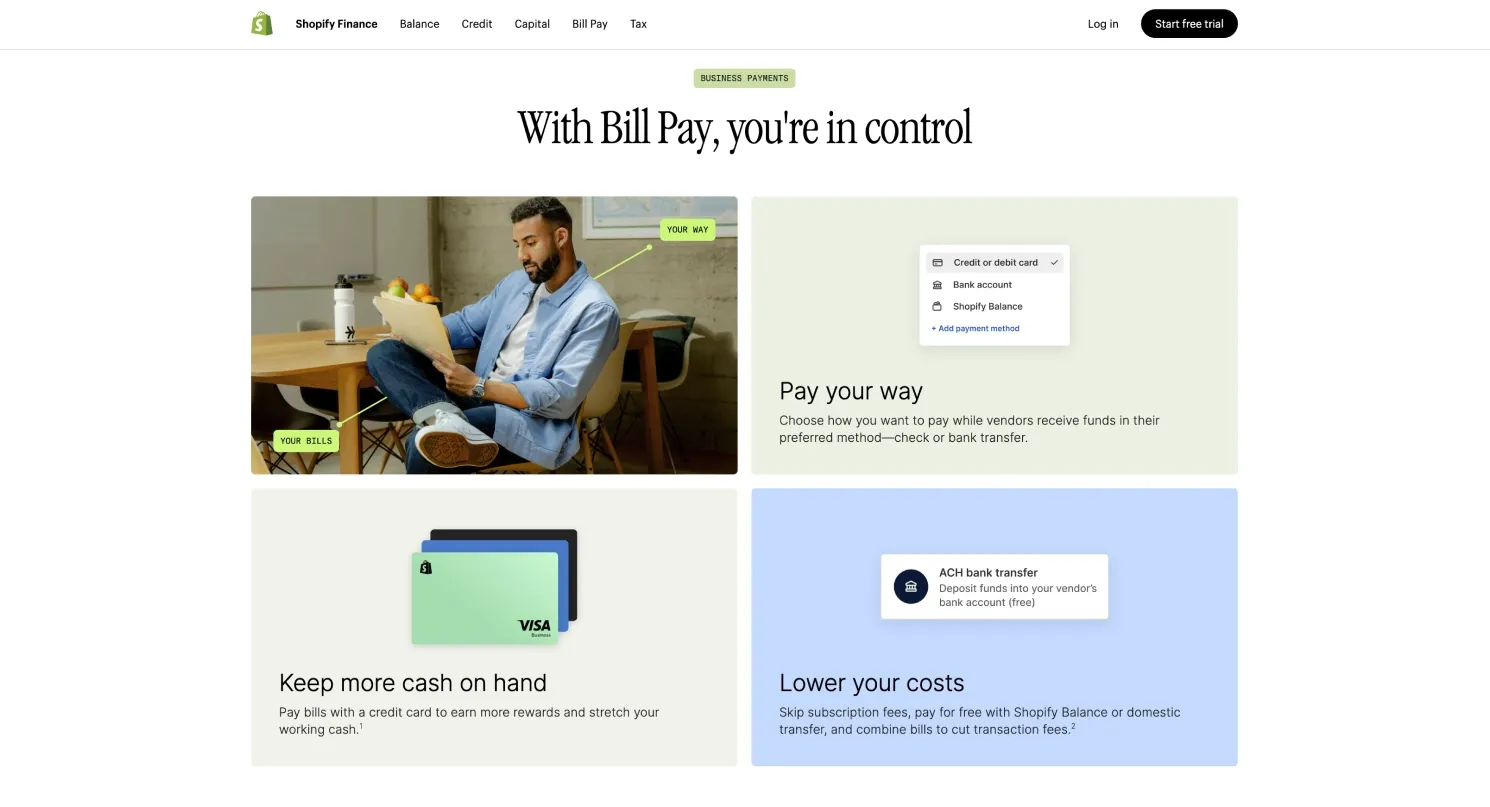
Merchants can set their preferred payment method, such as Shopify Balance, bank transfer, and debit or credit cards, and use it whether or not it’s accepted by a vendor.
When they select the vendor's preference, such as bank transfer or cheque, Bill Pay will issue the payment in that method. This allows merchants to use their preferred method, whether or not it’s accepted by a vendor, and save time on writing cheques.
If the merchant doesn’t know the vendor’s payment details, they can still schedule the payment, and Bill Pay will send an email to the vendor asking them to enter their payment details and preferences.
approach
Integrations to easily add new bills
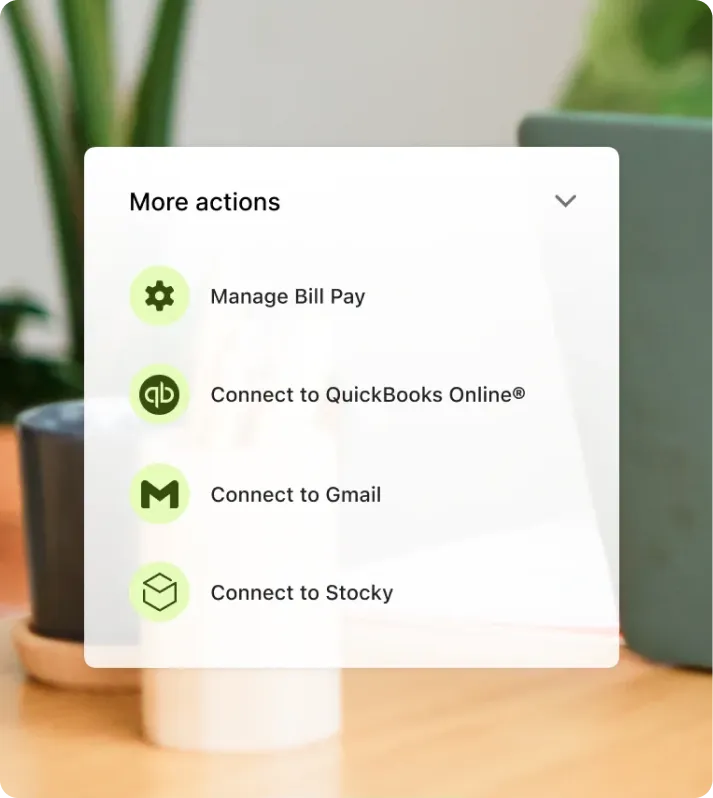
Merchants can manually add bills and select preferred payments, or sync with Gmail, QuickBooks Online, and Stocky. They can also forward bills from their email or upload a photo of a bill, and Bill Pay will capture the vendor info and payment details, and then the merchant can manage payment.
approach
Streamline and automate payments
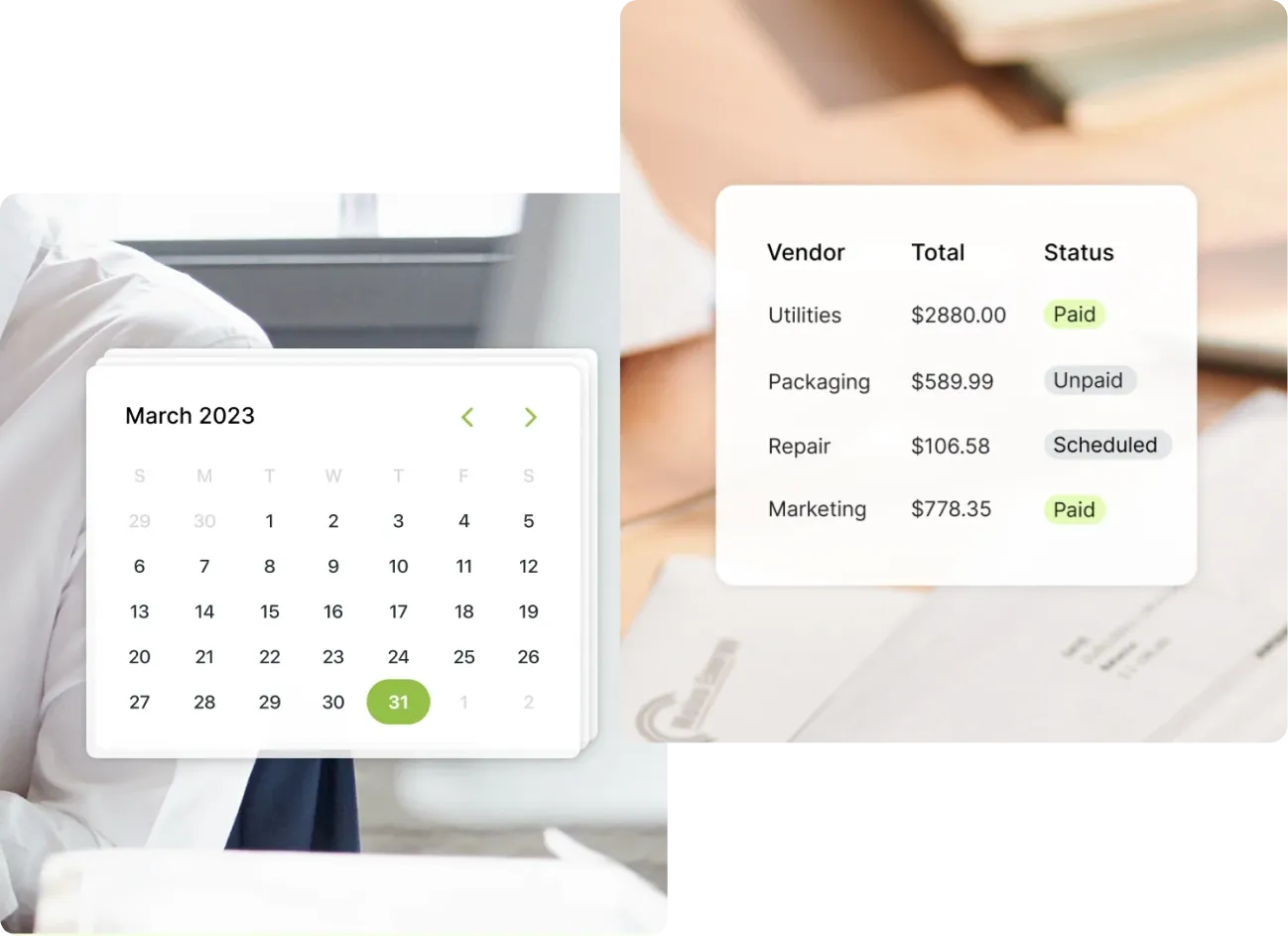
The dedicated dashboard allows merchants to schedule payments, so they don’t have to worry about due dates and late fees.
Once a bill is in Bill Pay and scheduled, it will go out automatically. Recurring payments can also be scheduled, and merchants can batch pay bills or combine payments to save on transaction fees.
Conclusion
Powering commerce on Shopify
Now that Bill Pay is embedded in Shopify, it’s part of their suite of easy-to-use financial solutions for merchants.
We loved working with Melio and contributing to this native Shopify app that saves users time and powers the growth of commerce brands on the platform.